Nord VPN for PC: How to Download, Install, and Use It
Learn how to get NordVPN for Windows, install the PC app, connect to a server, and understand key security and compatibility details.
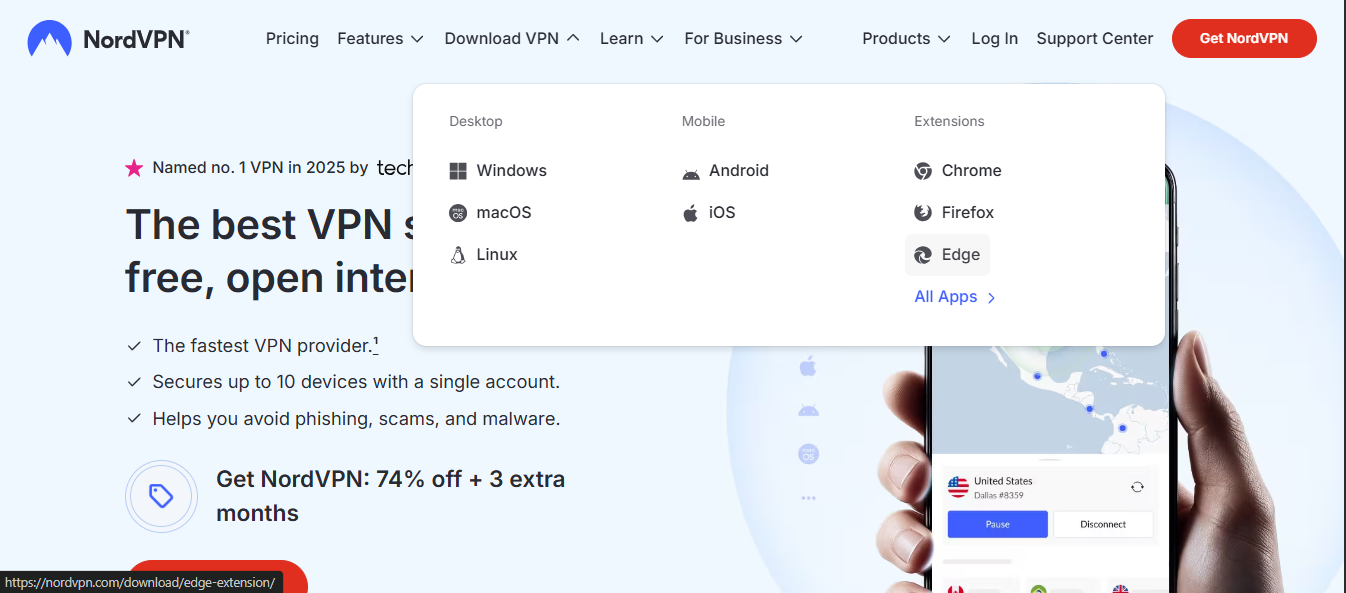
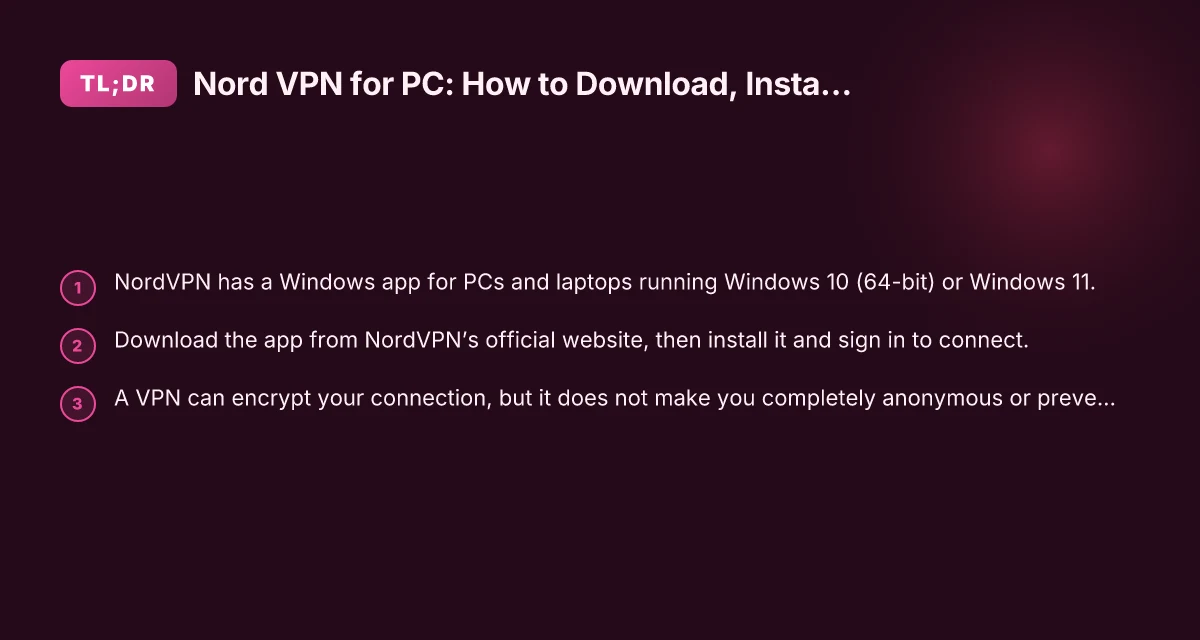
Nord VPN for PC is available as a Windows app for compatible PCs and laptops. To get started, download the installer from NordVPN’s official Windows download page, install the app, sign in, and choose a connection. You’ll need a working internet connection and a PC running Windows 10 (64-bit) or Windows 11. Here’s what to know before downloading and how to use the app.
NordVPN availability and setup options for PC
| Option | Windows PC support | Download source | Installation method | Best for |
|---|---|---|---|---|
| NordVPN Windows app | Supported | NordVPN website | Download and run installer | Most Windows users |
| Microsoft Store app | Supported, if listed in your region | Microsoft Store | Install from the Store | Store-based setup |
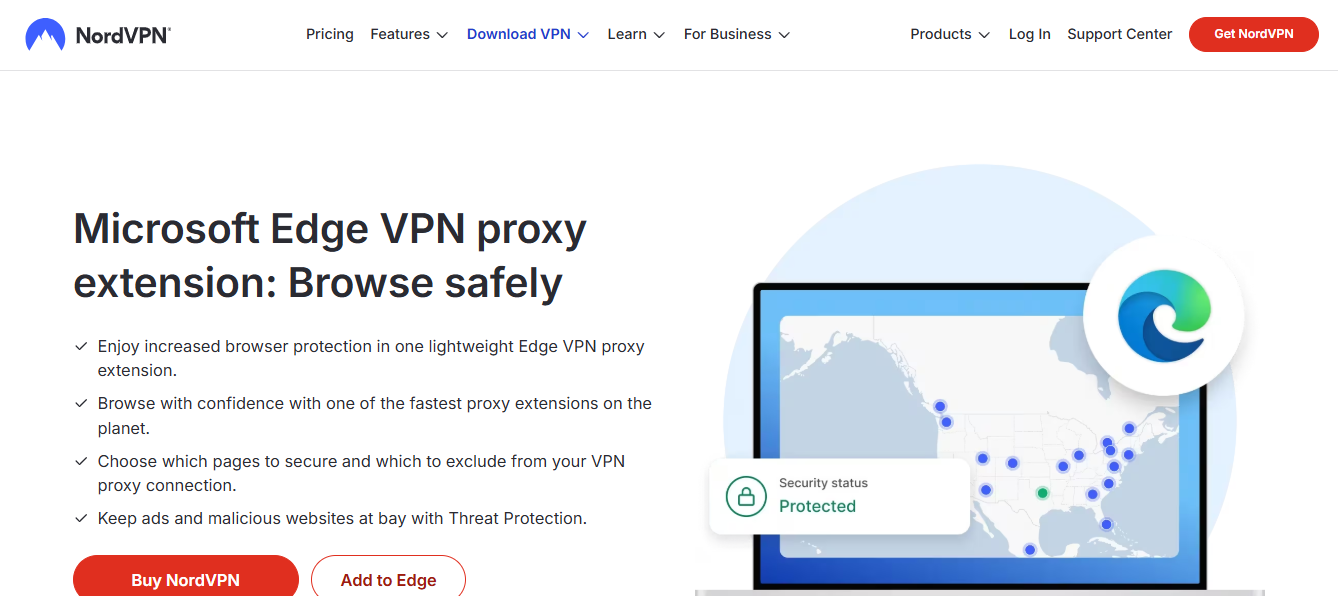
| Browser extension | Supported for selected browsers | Browser extension store | Add the extension | Browser-only protection |
| Manual VPN setup | Depends on Windows version and protocol | NordVPN setup guides | Configure Windows settings | Experienced users |
| Other desktop systems | Windows app not applicable | NordVPN website | Use the app for that system | Non-Windows computers |
| Mobile app | Not a PC app | App Store or Google Play | Install on a phone or tablet | Mobile devices |
Compiled November 2026; check the provider's site for current details.
| VPN | Obfuscation | From / month | Plan | Free plan | Refund | Alipay | UnionPay | Crypto | Website opens in China | Trustpilot | |
|---|---|---|---|---|---|---|---|---|---|---|---|
 NordVPN | Turn on manually Obfuscated Servers / NordWhisper | $3.49/mo | 27 months: $94.23 | No | 30 days | ? | ✗ | ✓ | ✓ | ✗ Blocked | 4.2/5 (51,628 reviews) |
 ZoogVPN | Turn on manually Shadow | $2.49/mo | 27 months: $59.99 | Yes | 7 days | ✓ | ✓ | ✓ | ✓ | Official site blocked; our special link opens (4.4 s) | 4.2/5 (195 reviews) |
 ExpressVPN | ✓ On by default all servers | $3.00/mo | 28 months: $84 | No | 30 days | ✗ | ✗ | ✓ | ✗ | ✗ Blocked | 4.4/5 (29,706 reviews) |
 Surfshark | ✓ On by default Camouflage, with OpenVPN | See site | See site | No | 30 days | ✗ | ✗ | ✗ | ✓ | ✗ Blocked | 4.3/5 (31,823 reviews) |
 Proton VPN | Turn on manually Stealth, free plan too | $2.99/mo | 12 months: $35.88 | Yes | 30 days | ✗ | ✗ | ✗ | ✓ | ✗ Blocked | 2.1/5 (1,040 reviews) |
 Astrill VPN | Turn on manually StealthVPN / OpenWeb | $12.50/mo | 24 months: $300 | No | See site | ✗ | ✗ | ✗ | ✓ | ✗ Blocked | 1.3/5 (110 reviews) |
 Private Internet Access | Turn on manually Shadowsocks, OpenVPN only | $2.03/mo | 40 months: $81.2 | No | 30 days | ✗ | ✗ | ✗ | ✗ | ✗ Blocked | 4.2/5 (11,033 reviews) |
 CyberGhost | Turn on manually selected servers | $2.19/mo | 28 months: $61.32 | No | 45 days | ✗ | ✗ | ✗ | ✓ | ✗ Blocked | 4.0/5 (24,178 reviews) |
 PureVPN | Turn on manually switch to OpenVPN | $1.69/mo | 60 months: $101.55 | No | 31 days | ? | ? | ✗ | ✓ | ✗ Blocked | 4.4/5 (17,994 reviews) |
 AdGuard VPN | ✓ On by default TrustTunnel | $2.99/mo | 24 months: $71.76 | Yes | 30 days | ✓ | ✗ | ✓ | ✓ | Official site blocked; our special link opens (3.7 s) | 4.3/5 (290 reviews) |
 Mullvad | Turn on manually QUIC / Shadowsocks / LWO | $5.61/mo | €5/mo | No | 14 days | ✗ | ✗ | ✗ | ✓ | ✗ Blocked | 3.2/5 (192 reviews) |
 Windscribe | Turn on manually Stealth / WStunnel | $5.75/mo | 12 months: $69 | Yes | See site | ✗ | ✗ | ✗ | ✓ | ✗ Blocked | 4.7/5 (13,355 reviews) |
 StrongVPN | Turn on manually Scramble, OpenVPN TCP | See site | See site | No | 30 days | ✓ | ✗ | ✗ | ✗ | ✗ Blocked | 4.4/5 (2,695 reviews) |
 LightXtreme 闪连 | Not listed | $7.08/mo | 12 months: $84.99 | Yes | 30 days | ✓ | ✓ | ✓ | ✓ | ✓ Yes (3.5 s) | No page |
Prices checked 2026-11-10 on each vendor's pricing page (cheapest long plan, USD). Check the vendor's checkout for the final price.
Obfuscation checked 2026-11-14 on each vendor's site and help center: "on by default" = nothing to set; "turn on manually" = switch protocol or mode in settings; "not listed" = the vendor describes no obfuscation.
Payment methods checked 2026-11-10 on each vendor's payment pages: all 14 take cards and PayPal; ✗ = not listed, ? = the vendor's own pages disagree.
China access: whether the official website opens from mainland China networks (tests the website only, not the VPN connection). Last checked 2026-11-18 01:02 Beijing time.
Trustpilot score and review count checked 2026-11-10.
Is NordVPN available for PC?
Yes. NordVPN offers an app for Windows PCs and laptops. According to its Windows download information, the app supports Windows 10 (64-bit) and Windows 11. Check that your PC meets one of these requirements before downloading.
A VPN routes your internet traffic through a VPN server and encrypts the connection between your device and the VPN service. This can help protect your traffic on networks you don’t control, such as public Wi-Fi, and can change the IP address websites see. It does not make you invisible online: websites, apps, your internet provider, and other services may still collect information in different ways.
NordVPN also offers apps for other platforms, including macOS, Linux, Android, and iOS. If you want to use a VPN on a smart TV or another device, check NordVPN’s current device and setup options to find the method that suits it.
How to download NordVPN for Windows
The simplest option is to use NordVPN’s official Windows download page. This helps you avoid installers from unofficial download sites and ensures you’re getting the app from the provider. VPN Extension for Edge Free: How to Choose One Safely
Download and install
- Open NordVPN’s official Windows download page.
- Download the Windows installer.
- Open the downloaded file and follow the installation prompts.
- Launch the NordVPN app after installation.
- Sign in to your NordVPN account, or follow the provider’s instructions to set one up.
You need an internet connection to download the app and log in. If the installer won’t run, check that your Windows version is supported, confirm that the download finished, and try downloading the installer again from NordVPN’s official site.
| Option | What to know |
|---|---|
| Official NordVPN Windows page | The recommended place to get the PC app |
| Third-party download sites | May offer the installer, but the official source is preferable for safety and current versions |
| Windows requirements | Windows 10 (64-bit) or Windows 11, according to NordVPN’s download information |
Ways to connect and use NordVPN on a PC
| Method | How it works | Ease of use | What to consider |
|---|---|---|---|
| Quick Connect | Selects a server automatically | Simple | Server choice is automatic |
| Country selection | Connect to a chosen country | Simple | Location affects the available server |
| Server selection | Choose a specific server | More control | More choice can mean more decisions |
| Search | Find a country or server by name | Simple | Requires knowing what to search for |
| Disconnect | Ends the VPN connection | Simple | Traffic no longer uses the VPN tunnel |
| App settings | Adjust connection and security preferences | Varies | Available settings depend on the app version |
Compiled November 2026; check the provider's site for current details.
How to connect and use the PC app
Once you’ve installed and opened the app, sign in and choose a server. For a basic connection, use the app’s connection option or select a location from its available server list. The app’s interface may change over time, so follow the current prompts shown on your screen.
After connecting, you can browse or use apps as usual. If a site or service doesn’t work as expected, disconnect and reconnect, try a different server, or check the service’s requirements. A VPN connection can affect speed and may cause some websites to request additional verification.
When you no longer need the VPN, disconnect through the app. For everyday use, consider reviewing the app’s settings and privacy information so you understand how it handles connection behavior and which features are enabled.
Is NordVPN free for PC?
The Windows app can be downloaded, but downloading an app is not the same as receiving a free VPN subscription. Access to NordVPN’s service depends on the plan and terms currently offered by NordVPN. Check the official site for current account options and conditions. Don’t rely on old trial claims or prices from third-party listings.
Be cautious with websites advertising a “free NordVPN” installer. A VPN app from an unofficial source could be outdated or unsafe, and a free download does not necessarily include access to NordVPN’s paid service. Use the official download page and review the provider’s current terms before signing up.
PC VPN choices and trade-offs
| Choice | Cost | Setup effort | Main benefit | Main limitation |
|---|---|---|---|---|
| NordVPN paid plan | Subscription required | Low | Full VPN app features | Not free after any trial or offer |
| NordVPN free trial or offer | Availability and terms vary | Low | Try the service where offered | Eligibility and renewal terms may apply |
| Free VPN service | Often free | Low | No paid subscription | Features, limits, and privacy practices vary |
| Manual VPN configuration | Depends on VPN provider | Higher | More configuration control | Requires compatible details and setup |
| No VPN | No VPN subscription | None | No app installation | VPN protection is not provided |
| NordVPN browser extension | Subscription may be required | Low | Protection through a supported browser | Does not cover all PC apps |
Compiled November 2026; check the provider's site for current details.
Benefits and limitations to consider
A VPN can be useful when you want an encrypted connection between your PC and the VPN service, or when you need to connect through a server in another location. It may also help reduce the exposure of your traffic to people sharing an unsecured network.
However, a VPN is not a complete security or privacy solution. It cannot guarantee anonymity, stop malware, or prevent all tracking. Your account activity, browser settings, cookies, device identifiers, and the websites you use can still reveal information about you. A VPN may also reduce connection speed or cause compatibility issues with particular sites or services.
No VPN can promise that a person or organization will never identify or track a user. A VPN changes how your traffic is routed. It does not erase online activity or override lawful requests and other sources of information. For stronger everyday protection, keep Windows and your browser updated, use unique passwords, and be careful with links and downloads.
Recommendation
For a Windows PC running Windows 10 (64-bit) or Windows 11, download NordVPN from its official Windows page, install the app, and sign in to connect. Review the current plan terms before subscribing, and treat the VPN as one part of your privacy and security toolkit, not as a guarantee of complete anonymity.