Nord VPN in China: Does It Work and How to Prepare

Learn whether NordVPN works in China, how to prepare before you travel, and what to consider if you cannot connect.
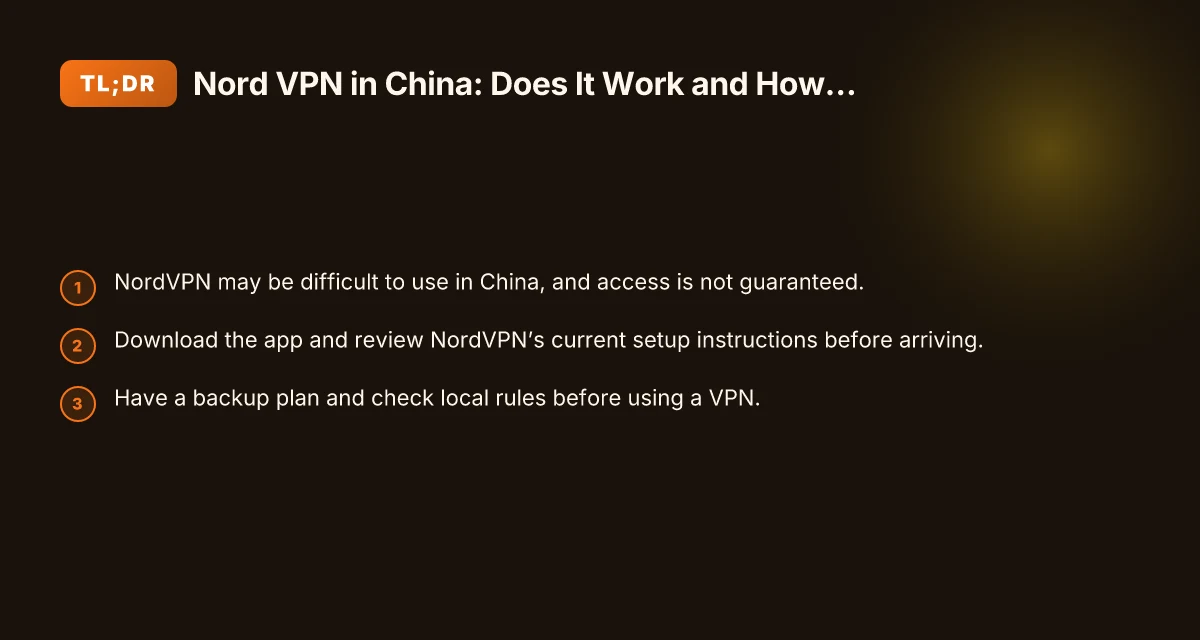
If you’re asking whether NordVPN works in China, the practical answer is: it may not connect reliably, and you should not count on it as your only way to get online. NordVPN’s own support pages describe connection problems in China and say that its apps are blocked on Android and iOS, with manual IKEv2/IPsec setup offered as an alternative. Access can change, so prepare before your trip and check the latest guidance.
NordVPN access in China: preparation and troubleshooting options
| Option | When to use it | What to do | Main limitation |
|---|---|---|---|
| Install NordVPN before travel | Before departure | Download and set up the app | Access to VPN sites may be restricted in China |
| Sign in and test ahead | Before departure | Confirm your account and connection work | A successful test does not guarantee access later |
| Save support details | Before departure | Keep NordVPN help information available offline | Support pages may be hard to reach |
| Try another server | If connection fails | Select a different available server | Results can vary |
| Change protocol settings | If connection fails | Try other protocols available in the app | No setting is guaranteed to work |
| Restart the app and device | If connection fails | Close and reopen the app; reconnect | May not resolve network restrictions |
| Check the connection network | If connection fails | Try a different Wi-Fi or mobile connection | Local network conditions may still block access |
| Contact NordVPN support | If help is available | Ask for current troubleshooting guidance | Support access may be limited |
Compiled November 2026; check the provider's site for current details.
| VPN | Obfuscation | From / month | Plan | Free plan | Refund | Alipay | UnionPay | Crypto | Website opens in China | Trustpilot | |
|---|---|---|---|---|---|---|---|---|---|---|---|
 NordVPN | Turn on manually Obfuscated Servers / NordWhisper | $3.49/mo | 27 months: $94.23 | No | 30 days | ? | ✗ | ✓ | ✓ | ✗ Blocked | 4.2/5 (51,628 reviews) |
 ZoogVPN | Turn on manually Shadow | $2.49/mo | 27 months: $59.99 | Yes | 7 days | ✓ | ✓ | ✓ | ✓ | Official site blocked; our special link opens (4.4 s) | 4.2/5 (195 reviews) |
 ExpressVPN | ✓ On by default all servers | $3.00/mo | 28 months: $84 | No | 30 days | ✗ | ✗ | ✓ | ✗ | ✗ Blocked | 4.4/5 (29,706 reviews) |
 Surfshark | ✓ On by default Camouflage, with OpenVPN | See site | See site | No | 30 days | ✗ | ✗ | ✗ | ✓ | ✗ Blocked | 4.3/5 (31,823 reviews) |
 Proton VPN | Turn on manually Stealth, free plan too | $2.99/mo | 12 months: $35.88 | Yes | 30 days | ✗ | ✗ | ✗ | ✓ | ✗ Blocked | 2.1/5 (1,040 reviews) |
 Astrill VPN | Turn on manually StealthVPN / OpenWeb | $12.50/mo | 24 months: $300 | No | See site | ✗ | ✗ | ✗ | ✓ | ✗ Blocked | 1.3/5 (110 reviews) |
 Private Internet Access | Turn on manually Shadowsocks, OpenVPN only | $2.03/mo | 40 months: $81.2 | No | 30 days | ✗ | ✗ | ✗ | ✗ | ✗ Blocked | 4.2/5 (11,033 reviews) |
 CyberGhost | Turn on manually selected servers | $2.19/mo | 28 months: $61.32 | No | 45 days | ✗ | ✗ | ✗ | ✓ | ✗ Blocked | 4.0/5 (24,178 reviews) |
 PureVPN | Turn on manually switch to OpenVPN | $1.69/mo | 60 months: $101.55 | No | 31 days | ? | ? | ✗ | ✓ | ✗ Blocked | 4.4/5 (17,994 reviews) |
 AdGuard VPN | ✓ On by default TrustTunnel | $2.99/mo | 24 months: $71.76 | Yes | 30 days | ✓ | ✗ | ✓ | ✓ | Official site blocked; our special link opens (3.7 s) | 4.3/5 (290 reviews) |
 Mullvad | Turn on manually QUIC / Shadowsocks / LWO | $5.61/mo | €5/mo | No | 14 days | ✗ | ✗ | ✗ | ✓ | ✗ Blocked | 3.2/5 (192 reviews) |
 Windscribe | Turn on manually Stealth / WStunnel | $5.75/mo | 12 months: $69 | Yes | See site | ✗ | ✗ | ✗ | ✓ | ✗ Blocked | 4.7/5 (13,355 reviews) |
 StrongVPN | Turn on manually Scramble, OpenVPN TCP | See site | See site | No | 30 days | ✓ | ✗ | ✗ | ✗ | ✗ Blocked | 4.4/5 (2,695 reviews) |
 LightXtreme 闪连 | Not listed | $7.08/mo | 12 months: $84.99 | Yes | 30 days | ✓ | ✓ | ✓ | ✓ | ✓ Yes (3.5 s) | No page |
Prices checked 2026-11-10 on each vendor's pricing page (cheapest long plan, USD). Check the vendor's checkout for the final price.
Obfuscation checked 2026-11-14 on each vendor's site and help center: "on by default" = nothing to set; "turn on manually" = switch protocol or mode in settings; "not listed" = the vendor describes no obfuscation.
Payment methods checked 2026-11-10 on each vendor's payment pages: all 14 take cards and PayPal; ✗ = not listed, ? = the vendor's own pages disagree.
China access: whether the official website opens from mainland China networks (tests the website only, not the VPN connection). Last checked 2026-11-18 01:02 Beijing time.
Trustpilot score and review count checked 2026-11-10.
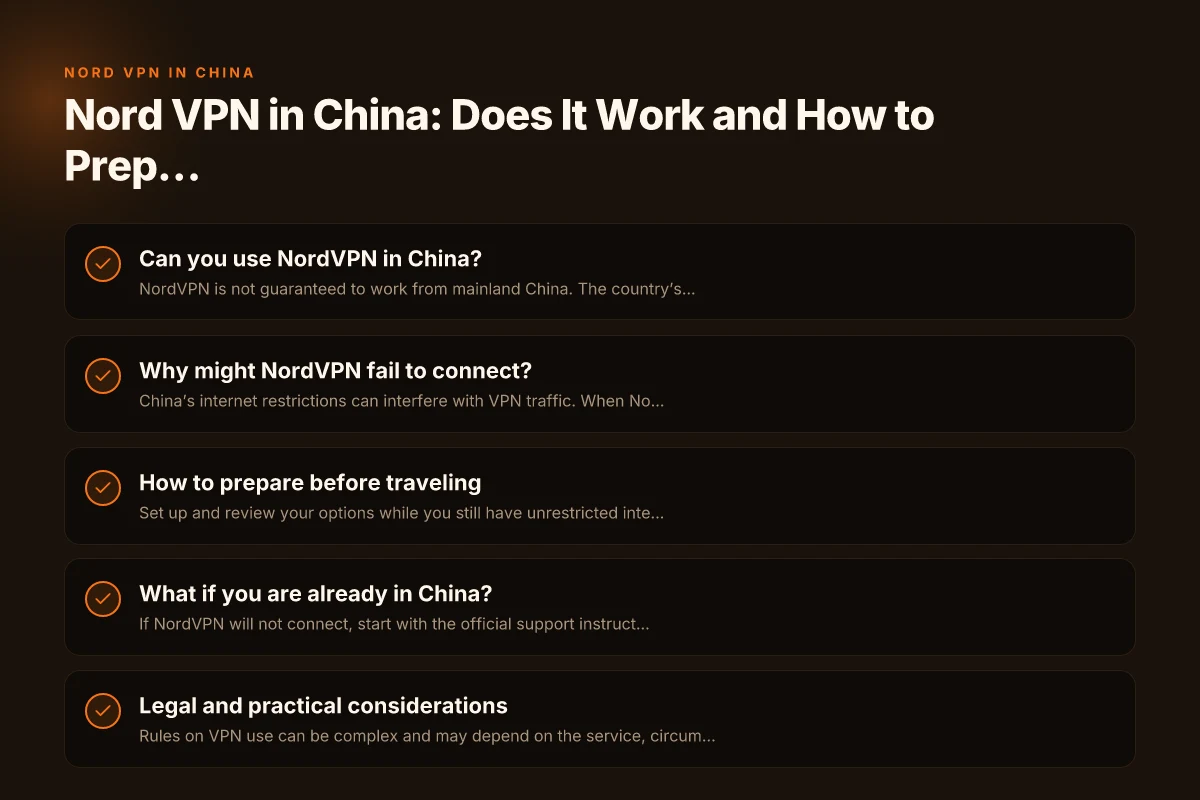
Can you use NordVPN in China?
NordVPN is not guaranteed to work from mainland China. The country’s internet controls can block VPN connections, and NordVPN’s support guidance specifically addresses cases where the service will not connect. Users may see error messages or find the app stuck on “Connecting.”
The mobile-app situation is especially important:
- NordVPN says its Android app is blocked in China and provides instructions for a manual IKEv2/IPsec connection.
- Its iOS support page likewise says the app is blocked and directs users to manual IKEv2/IPsec setup.
- Manual setup is a troubleshooting option, not a promise that a connection will succeed.
Even if you successfully install or configure NordVPN, availability may vary. Network restrictions and VPN detection can change, and an approach that works for one traveler may not work for another.
| Question | Practical answer |
|---|---|
| Does NordVPN work in China? | It may connect, but reliability is not assured. |
| Can you use the NordVPN mobile app? | NordVPN says its Android and iOS apps are blocked there. |
| Is there a manual option? | NordVPN provides IKEv2/IPsec setup guidance for mobile devices. |
| Should you rely on it as your only option? | No. Prepare an alternative way to access essential services. |
Why might NordVPN fail to connect?
China’s internet restrictions can interfere with VPN traffic. When NordVPN cannot establish a connection, the symptoms may include an error notification or an app that remains on “Connecting.” A failed connection does not necessarily mean your account or device is broken. The network may be blocking the app or connection method. Does Microsoft Edge Have a VPN? What Edge Secure Network Can and Can’t Do
NordVPN’s support center has separate troubleshooting pages for general connection problems and for Android and iOS. That distinction matters: on a phone, the recommended step may be to configure a connection manually rather than keep trying to connect through the standard app.
Keep in mind that troubleshooting can only help when a workable connection method is available. Reinstalling an app or repeatedly switching settings cannot guarantee access if the network blocks the service.
Prepare before travel vs. act after arriving in China
| Situation | First step | Next step | Key consideration |
|---|---|---|---|
| Planning a trip | Check current NordVPN guidance | Install the app before departure | VPN access and performance can change |
| App not installed | Install and configure it before travel | Test the sign-in and connection | VPN websites or app downloads may be inaccessible in China |
| App already installed | Update it before departure | Save account and support details | Keep essential information available offline |
| Already in China, app works | Connect and test the service | Try another server if needed | A connection may be inconsistent |
| Already in China, app fails | Try another server or protocol | Restart the app and device | No troubleshooting step guarantees access |
| VPN website unavailable | Use saved support information | Seek available official support | Website access may be restricted |
| Network connection fails | Try another available network | Retry the VPN connection | Restrictions may affect multiple networks |
| Need a dependable plan | Prepare alternatives before travel | Review legal and practical considerations | Do not rely on a VPN as the only option |
Compiled November 2026; check the provider's site for current details. How to Enable VPN in Edge: Turn On Microsoft Edge Secure Network
How to prepare before traveling
Set up and review your options while you still have unrestricted internet access. NordVPN’s published general steps begin with choosing a subscription and creating an account, then downloading and installing the app. In practice, it is also useful to save support instructions in a form you can access offline.
Before departure:
- Check current NordVPN guidance. Read its latest article and support instructions for use in China, including the relevant Android or iOS page.
- Install and sign in to the app. Do this before travel, while the service’s website and app resources are accessible to you.
- Review manual setup instructions. If you use Android or iOS, save NordVPN’s IKEv2/IPsec directions and confirm you understand the steps.
- Test your setup in advance. A successful connection at home does not guarantee it will work in China, but testing can help identify account or device issues beforehand.
- Save important information offline. Keep setup notes and essential travel details somewhere accessible without an internet connection.
- Plan for essential communication. Do not depend on a VPN as your sole way to reach important services or contacts.
Do not wait until you arrive to look for setup instructions. If a service or support page is inaccessible on arrival, preparation can be much harder.
What if you are already in China?
If NordVPN will not connect, start with the official support instructions for your device. For Android and iOS, consult NordVPN’s manual IKEv2/IPsec setup guidance. For other devices or general errors, use its China connection troubleshooting page. VPN Extension for Edge: How to Choose and Use One
Try these practical checks:
- Confirm that your account is active and your device has internet access.
- Follow the current instructions for your exact operating system.
- Avoid assuming that repeated app attempts will fix a network-level block.
- If support materials are unavailable, use the offline instructions you saved before traveling.
There is no universal fix that guarantees NordVPN access in China. Community reports can also differ: one traveler may describe success while another reports that the service does not work. Treat individual experiences as anecdotal rather than proof that a particular setup will be reliable for your stay.
Factors to weigh before relying on NordVPN in China
| Factor | What to consider | Practical decision |
|---|---|---|
| Availability | VPN services may be restricted | Check current guidance before travel |
| Reliability | Connections can fail or change | Prepare for interruptions |
| Setup | Downloads may be difficult after arrival | Install and test before departure |
| Troubleshooting | Server or protocol changes may help | Save steps and support details offline |
| Network access | Wi-Fi and mobile networks may behave differently | Be ready to try another connection |
| Legal context | Rules and enforcement can vary | Review current local requirements |
| Privacy needs | A VPN does not remove every online risk | Avoid treating it as complete protection |
| Backup access | VPN access is not guaranteed | Plan other ways to reach essential information |
Compiled November 2026; check the provider's site for current details. OVPN File: What It Is, How to Open It, and How to Use It Safely
Legal and practical considerations
Rules on VPN use can be complex and may depend on the service, circumstances, and current local requirements. Search results note that China restricts VPN services and that NordVPN does not hold a government license. That does not, by itself, answer every question about a tourist’s individual situation.
Before using a VPN, check current official guidance and consider the rules that apply to you. Avoid treating online claims as legal advice. If compliance is essential to your travel or work, seek reliable, up-to-date guidance before departure.
A VPN also does not guarantee privacy or access to every website. It is one tool, and it may be blocked or disrupted. Keep your devices updated, use strong account security, and avoid assuming that a VPN makes every online activity risk-free.
Recommendation
Prepare NordVPN before you travel, but do not rely on it as your only connection method in China. Install it in advance, save NordVPN’s device-specific instructions, and understand that the Android and iOS apps are reported as blocked, with manual IKEv2/IPsec setup offered as an alternative. Check current rules and have a backup plan for essential communication and internet access. .Ovpn File: What It Is and How to Open It