VPN
Nord VPN for PC: How to Download, Install, and Use It
Learn how to get NordVPN for Windows, install the PC app, connect to a server, and understand key security and compatibility details.
November 27, 2026 · 窦清远

Updated
English-language coverage of VPN apps, Edge extensions, proxy services, Windows setup, connection stability, privacy claims, and provider reliability.
Compare the access type that fits your needs
| Access type | How you use it | Coverage | Best suited for | Setup effort |
|---|---|---|---|---|
| VPN app | Install and connect | Device traffic | General browsing | Install and configure |
| Browser extension | Add to a browser | Browser traffic | Browser-only use | Add and configure |
| Proxy access | Configure a proxy | App or browser traffic | Specific routing needs | Enter proxy details |
| VPN app | Use a desktop or mobile app | Device traffic | Multiple online activities | Install and configure |
| Browser extension | Turn on in the browser | Browser traffic | A quick browser change | Add and configure |
| Proxy access | Set up a proxy connection | Selected traffic | Targeted access | Configure connection |
Compiled November 2026; check the provider's site for current details.
This section explains how VPN apps, browser extensions, and third-party proxy services differ, with practical attention to installation, connection stability, privacy claims, and the risk that a small provider may disappear. The focus is plain-language VPN guidance for readers comparing familiar products such as NordVPN and ExpressVPN with less-established services sometimes called VPN airports or airport nodes.
Coverage currently includes several connected topic clusters: Windows VPN setup, browser-based protection such as an Edge extension, choosing between an app and a proxy subscription, checking provider reliability, and understanding what a VPN does and does not protect. These topics help readers make a decision before installing software or paying for access.
Some posts answer immediate questions, including how to download and use NordVPN on a PC and how to assess a free VPN extension for Microsoft Edge. Other coverage can explain the terminology behind proxy nodes, the practical meaning of a kill switch, and why a service’s ownership and support arrangements matter. We distinguish product instructions from independent evaluation: a setup walkthrough is not proof that a provider is the right choice for every reader.
The intended audience includes people in the United States and readers elsewhere who use Windows laptops, Android phones, iPhones, or browser-based tools and want a clearer basis for comparison. A person connecting from New York, Los Angeles, or Chicago may have different internet plans and local rules from someone elsewhere, but the core questions remain concrete: what software is installed, what traffic it routes, what the subscription costs, and what happens if the connection fails. Location can affect performance and legal obligations, so no single speed or privacy result should be assumed for every user. Nord VPN for PC: How to Download, Install, and Use It
Readers may arrive with a short task, such as installing NordVPN on Windows, or with a broader concern about an unfamiliar proxy operator. The section is useful at either stage. It does not treat every service described as a VPN as technically identical: commercial VPN apps typically offer a managed application and account, while proxy access may be sold through a smaller operator with different software, support, and reliability practices. Names alone do not establish equivalence; the service’s actual features and terms matter.
For US readers, practical context includes the Federal Trade Commission’s role in consumer protection and the fact that US privacy requirements can vary by state. California’s Consumer Privacy Act, as amended by the California Privacy Rights Act, is one prominent example; it is not a blanket guarantee that every VPN handles data safely. A privacy law and a provider’s technical practices answer different questions. Readers should check the provider’s current policy, payment terms, and available remedies rather than treating a location label as a privacy verdict.
Compare setup and purchase priorities
| Priority | VPN app | Browser extension | Proxy access | Check before choosing |
|---|---|---|---|---|
| Ease of setup | Install an app | Add an extension | Configure a connection | Your comfort with setup |
| Traffic coverage | Device traffic | Browser traffic | Selected traffic | Which apps need access |
| Intended use | General browsing | Browser-only use | Specific routing needs | Your main use case |
| Device fit | App availability matters | Browser support matters | Configuration options matter | Your device and browser |
| Purchase decision | Review app details | Review extension details | Review proxy details | Available plan terms |
| Ongoing use | Connect through the app | Toggle in the browser | Maintain proxy settings | Your routine |
| Guidance needed | App setup instructions | Extension instructions | Configuration instructions | Relevant coverage posts |
Compiled November 2026; check the provider's site for current details. VPN Extension for Edge Free: How to Choose One Safely
These are decision points, not promises of a particular outcome. A VPN can encrypt traffic between a device and its VPN server, but it does not make every website safe, prevent all tracking, or protect a compromised computer. Security depends on the whole setup, including updated software, strong account authentication, and careful browsing.
The table is a starting point for deciding what to investigate, not a ranking or endorsement. Features and prices can change, so check each provider’s current terms before paying. Compare the service you will actually use, not just its brand name.
| Option | Typical scope | What to verify | Price reference |
|---|---|---|---|
| NordVPN Windows app | Device-level VPN connection through a desktop app | Official installer, protocol, auto-connect, kill switch, renewal terms | Check current USD checkout price |
| ExpressVPN app | Commercial VPN app for supported devices | Supported operating system, plan length, refund terms, privacy policy | Check current USD checkout price |
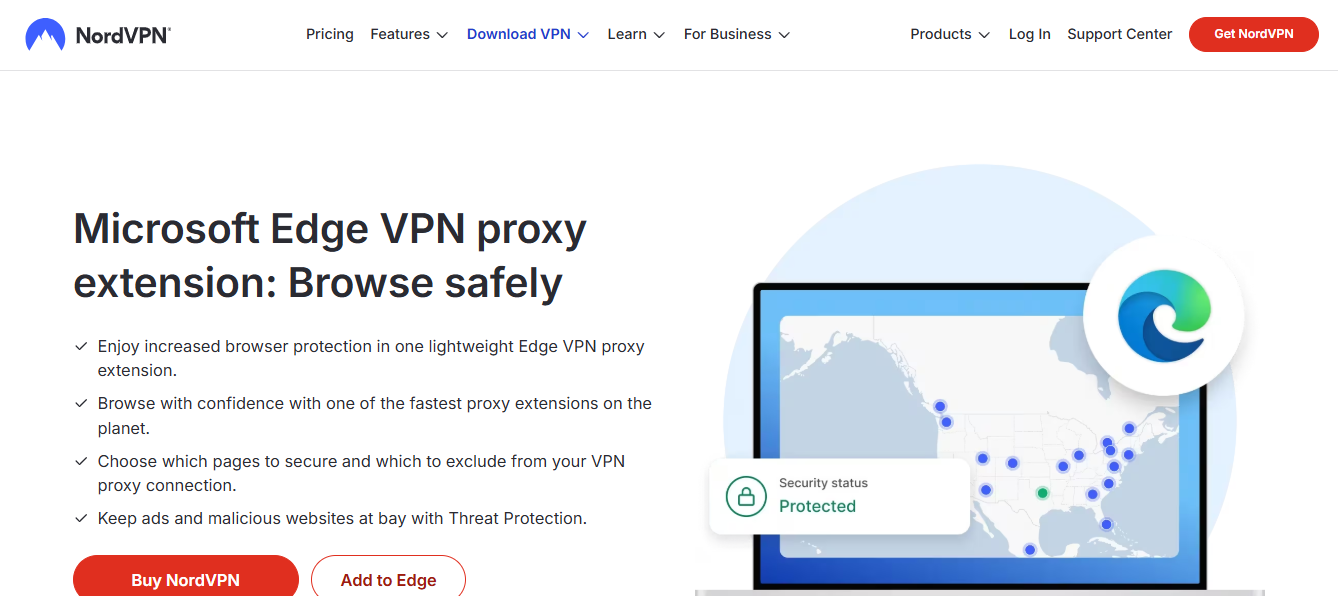
| Edge VPN extension | Browser-focused controls or a companion interface, depending on product | Publisher, permissions, whether other apps are covered, data practices | Free offers may have limits or paid upgrades |
| Third-party proxy subscription | May route selected traffic through operator-provided nodes | Operator identity, software source, support, uptime terms, cancellation | Confirm the quoted currency and renewal amount |
Prices are intentionally not presented as fixed figures because subscription rates, promotions, and renewal charges change. A US checkout may show dollars, but the final amount can also depend on taxes and the billing period. Read the renewal price before confirming payment, especially when a low introductory rate is shown beside a longer commitment.
Compare topics covered by the posts
| Topic | Main question | Useful for | Option to compare | What to look for |
|---|---|---|---|---|
| VPN apps | How does the app work? | General browsing | App coverage | Setup and use |
| Browser extensions | How does browser access work? | Browser-only use | Extension coverage | Browser support |
| Proxy access | How is a proxy configured? | Specific routing needs | Proxy coverage | Connection details |
| Setup guidance | How do I get started? | First-time setup | App, extension, or proxy | Clear instructions |
| Purchase guidance | What should I check before buying? | Comparing options | Available products | Terms and fit |
| Coverage overview | Which posts are relevant? | Finding a starting point | Topics on this page | Your needs |
| Reading guidance | How should I use the articles? | Comparing information | Relevant posts | Scope and context |
Compiled November 2026; check the provider's site for current details.
This sequence is especially useful when a service is unfamiliar or sold through an informal channel. Do not install files sent through an unsolicited message, and be cautious if a provider asks for broad permissions that do not fit its stated purpose. If a connection drops, a kill switch may reduce the chance that traffic continues outside the VPN, but its behavior should be checked on the device rather than presumed.
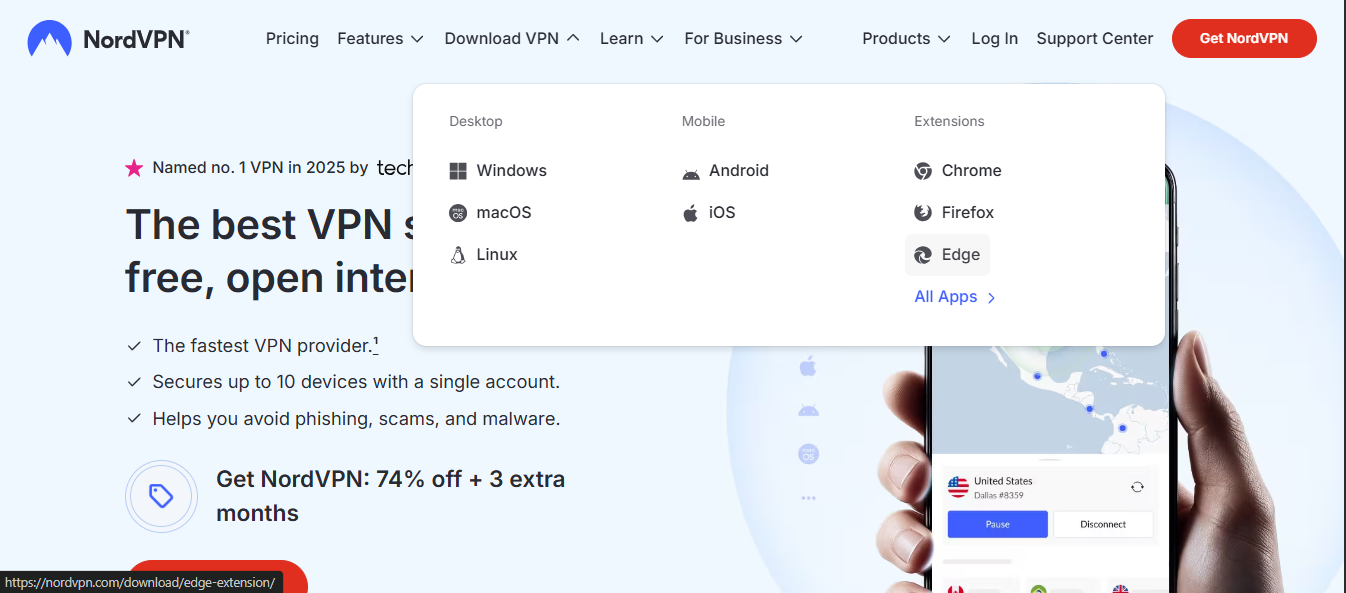
Use the existing Windows walkthrough when the immediate goal is getting NordVPN installed and connected on a PC. Use the Edge extension discussion when evaluating a browser add-on, particularly one advertised as free. Together, these posts address two common entry points, while the wider section context helps readers ask better questions about proxies, stability, and provider accountability. Each post should be read for the specific task it addresses, not as a universal recommendation.
Before choosing any service, compare its current feature list with your needs, check whether it supports your operating system, and confirm the total cost after any introductory period. For a small proxy operator, look for a named business, clear support contact, understandable cancellation terms, and an explanation of how access is delivered. If those details are missing, treat the uncertainty as a real cost. The aim of this section is to make those checks easier, so readers can distinguish a practical setup question from a larger decision about trust and ongoing service.